
I spend a good amount of time on indiegogo.com and kickstarter.com looking at all the cool things people are working on. Primarily, it refreshes my mind to see innovative people doing innovative things and trying to make it happen. It is also quite interesting to see some ideas that are absolutely horrendous and get a little chuckle out of it along the way.
Coming back to Piper. I have been using numerous cameras both at my house as well as at my businesses. Am I paranoid about what goes on when I step out? No. I just use certain situations as an excuse for trying out various remote monitoring technologies.
It started with foscam cameras. The pan and tilt was fun to do. Then there was my x10 phase where I tried to put pretty much everything with an on/off switch on an x10 receiver. Why? Why not!
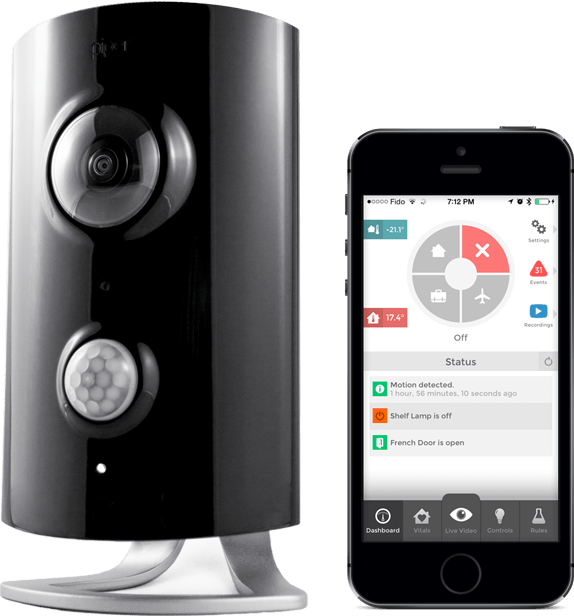
Then, one fine day in August of 2013, I saw Piper on indiegogo. It was the best of all worlds it claimed. I could use its ultrawide camera to see everything without requiring the pan and tilt and at the same time, I could use its zwave transceiver to add and expand the network of remotely controlled devices around the house.
Is it really innovative? Probably not. But at least it was something that an average Joe can do ahead and install and be able to do a certain level of home automation and control without selling a kidney.
I was very excited. Oh I could use one at home as a replacement for my home security camera. I could use one at one of my businesses to monitor certain things. I backed the project and ordered one device. Piper got great press. Picked up by CNET, Engadget, TechCrunch and more. Is this going to be the platform that takes home security away from the ADTs of the world and into the self management of stakeholders? There was hope. It is not as dramatic as it may come of here but paying monthly services for home security gets pretty old pretty quickly.
Then there was the geek factor of this device. Its not just a camera with a zwave controller that makes it cool. It is the fact that it can do pattern learning. It can identify between a house cat and a cat burglar. It can learn what a breaking window sounds like. What is the level of ambient sound and light in the house through out the day. Patterns, historic data and the ability to make decisions based on them. This is what made Piper interesting. The only question was, will they be able to pull it off.
Finally, today, after a very long day at work, as I rolled into the garage, I noticed a small box by the door. Could it be? Yes! it was finally here. And to think that just today, I had posted something on twitter that why is that I have not received my Piper yet.

The first thing I noticed was the green tape. Examined by the US custom and border protection. Oh well, its okay. Anything for keeping the borders safe.

The next thing I saw sort of worried be a little bit. As I opened up the box, I noticed the device face down in the box without any plastic wrap. I felt that my well awaited gadget has already been played with.
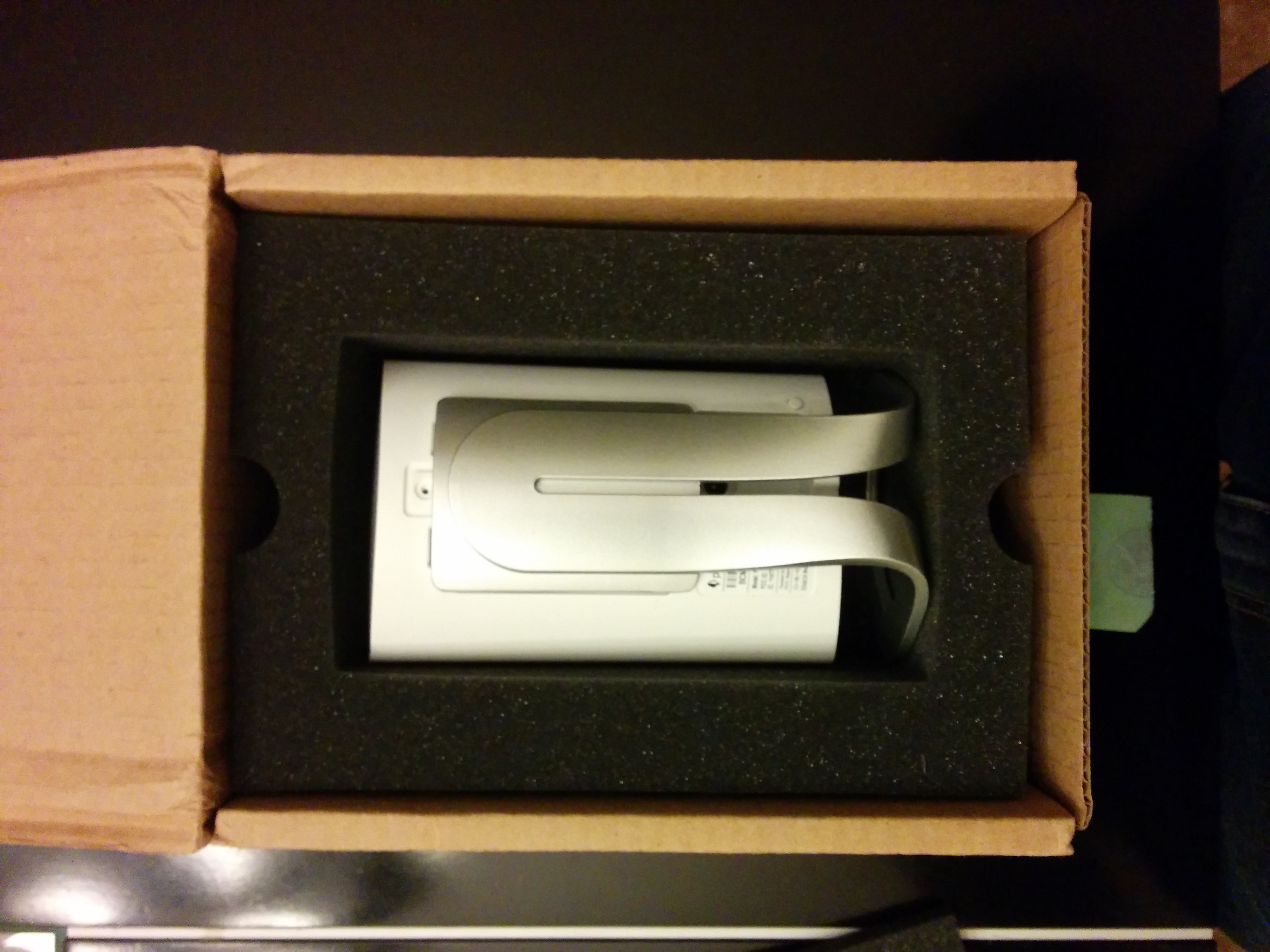
Okay, lets move on and get this baby out of the box and powered up. Lets see what it can do.
And here is where the problems started. The app would just not connect with the camera no matter how many times I repeated the instructions on the step-by-step card that accompanied the camera.
I started looking online on forums to see if others have had the same problem. Low and behold, I was not the only one with the connectivity problem. Others too were experiencing a variety of problems getting started with Piper. I cursed my need to be on the bleeding edge of things. Another $200+ down the drain with a product that is not ready. But I was not about to give up. I reset the device a few times, threw away the instruction card and used my own know how about how to debug and handle gadgets. It worked!
The device took a long time updating its firmware but it was finally up and running. So far it has been as advertised. I don’t have any zwave controlled devices yet but I plan to add a few over time.
This first post about the piper has mostly been about the anticipation, reception and then first time setup experience about the device. There will be more about it but just not today. I’ll be posting more about how to get the best out of this device. I still believe in this platform. Being an optimist, I’ll give the team at blacksumac a great big thumbs up on having a vision and being able to solve a very basic problem that affects everyone and then be able to come out with a solution that works. I am sure that with time, the process will get better. The interfaces will improve and product support will be better as well.
My advice to the blacksumac team is to answer all the questions that are there on their support site. There is nothing worse than seeing your generic -restart the router, please- type responses to issues that clearly are beyond the reboot fix. But other than that, great work!
 UmairShafiq